
Rankings fall or stall for target keywords
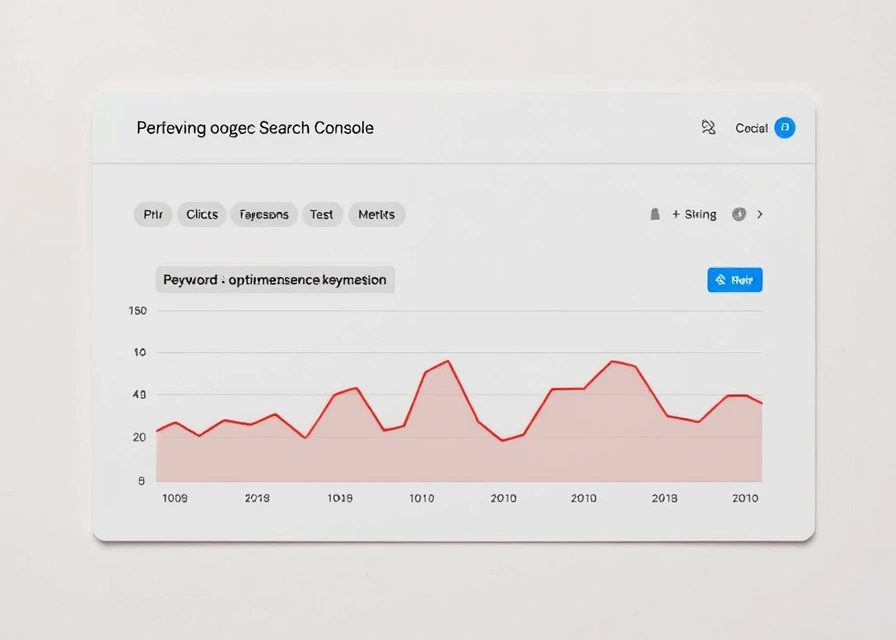
Start with the query and page that dropped, not the whole domain. A rank tracker shows the position line moving; Google Search Console shows whether that move is a real ranking loss or a click-through problem, because impressions and clicks move separately from position.
The diagnostic order matters more than which tool you own:
- Pull the Performance report in Search Console, filter by the affected page, and compare clicks, impressions and average position across the date range that brackets the drop.
- Check the Page Indexing report for that URL — a status of "Crawled — currently not indexed" or "Discovered — currently not indexed" points to a crawling or quality decision, not a ranking algorithm change.
- Open a rank tracker for the same keyword set to confirm whether your own position fell or a competing page simply moved above it.
- If position fell, run a site audit tool against the affected URLs and their internal link paths — not the whole site — to shorten crawl time and isolate the fault to that section.
A site audit tool crawls the flagged pages and reports the technical faults a rank tracker cannot see: broken redirect chains, duplicate title tags, orphaned pages, slow response times, or a robots.txt line that was edited without anyone noticing. Semrush's own site audit framing treats crawlability, HTTPS status and Core Web Vitals as separate buckets specifically because a page can fail on one and pass on the others, and mixing them into a single "health score" hides which fix actually matters.
Once a fault is identified — a canonical tag pointing to the wrong URL, a noindex left on a template, a redirect loop — fix that one thing and re-crawl only the affected section before touching anything else. Re-audit before declaring victory: a partial fix (say, correcting the canonical but leaving the slow server response) can leave the page still suppressed. Re-check Search Console's Page Indexing status a few days later rather than the next hour, since re-crawling and re-indexing are not instant.
A page ranks below competitors for its topic
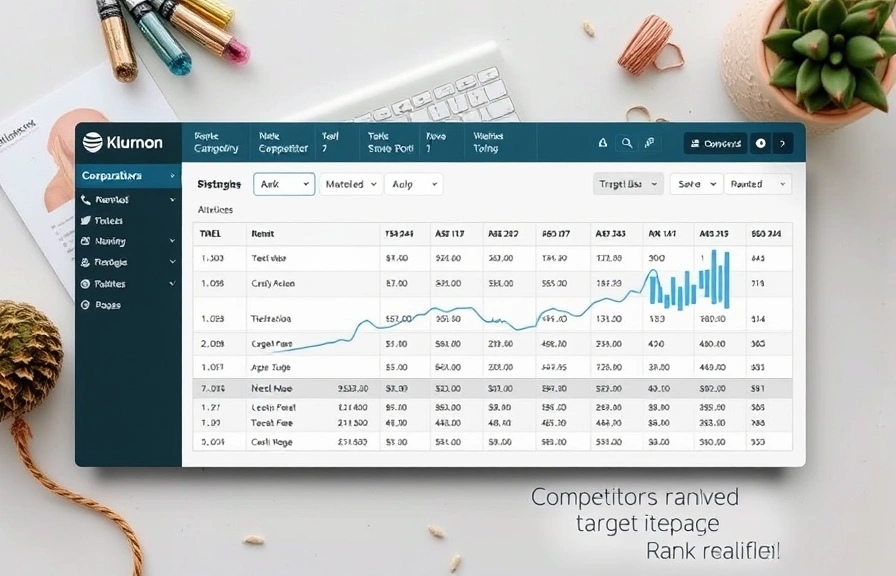
The page is indexed, crawlable and fast, but a rival page still outperforms it for the same topic. That is a coverage or relevance gap, not a technical one, and it needs a different tool sequence than a crawl fault does.
A competitor analysis tool reveals the keyword gap: terms a rival's page targets, in its headings or body copy, that your page never mentions. This is the starting signal, not the end of the analysis — a gap list is only useful once each term is checked for whether it is worth targeting at all.
A keyword research tool sizes each gap term by estimated search volume and difficulty. Different tools estimate volume differently because they draw on different clickstream and search-log samples, so a term that looks negligible in one tool's index can look sizeable in another's — a reason to treat any single volume number as an estimate, not a fact, and to recheck the highest-priority terms in a second tool before committing content budget to them.
Group the sized terms into a topic cluster: a primary term the page already targets, plus supporting terms that belong in subheadings or an FAQ block rather than forcing every gap term into the opening paragraph. Group by search intent first — informational terms don't belong bolted onto a commercial buying page — then by which existing section of the site could plausibly absorb the term without a rewrite from scratch.
A content optimization tool then scores the rewrite against the cluster: term coverage, heading structure, and sometimes readability, benchmarked against the strongest existing content for the primary term. Rankability's rundown of content optimization tools treats this scoring step as guidance for the writer, not a pass/fail gate — the benchmark shifts as competing content changes, so a high score today is not fixed.
Budget is zero or unproven
Search Console, Google Analytics and a handful of free audit checkers cover a genuine first stretch of work at no cost, and the point at which they stop being enough is a specific limit, not a vague sense of "outgrowing" them.
Start here:
- Google Search Console for indexing status, query-level clicks and impressions, and manual crawl-error reporting — first-party data with no sampling.
- Google Analytics for on-site behavior once a visitor lands, since Search Console stops at the click.
- A free audit tool such as SEOptimer's website audit for a one-off technical and on-page snapshot without a login commitment.
- A free-tier keyword checker for occasional lookups rather than ongoing tracking.
The limits show up predictably: free audit tools generally cap the number of pages crawled per report or the number of audits per month, free keyword tools cap daily lookups or withhold historical volume trends, and free rank tracking (where it exists at all) caps the number of keywords tracked and how often position is refreshed. Marketer Milk's tool roundup notes that the free tiers of most paid platforms exist mainly to demonstrate the interface, not to run an ongoing program — a fair description of the intent, even though the specific caps change by vendor and by plan.
The upgrade trigger is the limit actually hit, not a calendar date:
| Limit hit | What it looks like | What to upgrade |
|---|---|---|
| Keyword count capped | Can't track enough queries to cover the site's real topic spread | Rank tracker plan or tier |
| Crawl depth or page count capped | Audit stops partway through a larger site | Site audit tool plan |
| Historical data withheld | Can see today's numbers but not the trend behind them | Full platform subscription |
| Competitor data hidden | Gap and backlink tools show your site only | Competitor analysis / backlink tool tier |
A single-site owner may never hit more than one of those; an agency working several client domains hits all four inside the first month, because each client adds to the keyword count, the crawl count and the competitor list simultaneously. The prescription differs by that multiplier, not by any inherent difference in skill.
SEO optimization tool
An SEO optimization tool is software that changes what a page contains or how a page is structured, based on a target — as opposed to a tool that only reports on a page without touching it. That distinction between optimization and analysis gets blurred constantly, since vendors market both under the same "SEO tool" label, but the mechanism differs: an audit tool tells you a title tag is missing; an optimization tool suggests or drafts the replacement title tag.
In practice most platforms bundle both functions, which is why Marketer Milk's list of tools covers keyword research, technical auditing and content scoring inside a single named product rather than treating them as separate categories. Buying a platform for its optimization features when the actual gap is analysis — or the reverse — is the most common mismatch between what a tool is bought for and what it is used for.
Keyword research tool
A keyword research tool finds search terms related to a seed topic and attaches an estimated monthly search volume and a difficulty or competition score to each. The estimate is drawn from a sample — clickstream data, search-log partnerships, or a mix — and that sample differs by vendor, which is why the same term can carry different volume numbers in different tools.
The difficulty score is a separate estimate from volume and usually reflects how strong the content and link profiles currently associated with that term are, not how hard the term is to write about. A term with low volume and low difficulty is often the better first target for a new page than a high-volume term surrounded by long-established competitors, regardless of which tool produced the numbers.
Rank tracker
A rank tracker records a keyword's position in search results at set intervals, usually daily or weekly, and plots the change over time. That interval matters: checking daily on a handful of keywords surfaces normal day-to-day fluctuation that looks like noise, while checking weekly on a large keyword set can miss a real drop for several days before it's caught.
Position from a rank tracker is not the same figure as average position in Search Console, because Search Console's average position blends every impression across devices, locations and query variants for a given page, while a rank tracker typically checks from a fixed location and device profile. Treat the two as complementary readings of the same trend rather than expecting them to match exactly.
Site audit tool
A site audit tool crawls a site the way a search engine crawler does and reports the technical faults a crawler would trip on: broken links, redirect chains, duplicate content, missing meta tags, slow-loading pages and blocked resources. Semrush's audit tool and the free version from SEOptimer both organize findings by severity, which is the practical order to fix them in — a server error blocking a whole section outranks a missing alt tag on one image.
Crawl depth is the setting that separates a useful audit from a partial one on a large site: a shallow crawl limit means pages several clicks deep from the homepage may never get checked at all, and that limit is exactly where free tiers tend to cap out before paid tiers.
Content optimization tool
A content optimization tool scores a draft against strong existing content for a target term — checking term coverage, heading structure and sometimes word count — and returns a numeric score meant to guide revision before or after publishing. Rankability's list of these tools frames the score as a moving target rather than a fixed pass mark, since the benchmark content it compares against can itself be edited or replaced.
The score is a proxy for topical coverage, not a guarantee of performance — a page can hit a high score by including every term the tool suggests and still underperform if the underlying claims are thin or the search intent was misread in the first place.
Competitor analysis tool
A competitor analysis tool surfaces the keywords, positions and backlink sources belonging to a named rival domain, so a gap between what they cover and what you cover becomes visible. This is the tool category that turns "why does their page perform better than mine" into a specific, checkable list rather than a guess.
The output is only as reliable as the index behind it — a competitor tool built on a smaller crawl of the web will show fewer of a rival's backlinks and fewer of their target keywords than one built on a larger crawl, which is part of why cross-checking a competitor's profile in a second tool before making a content or outreach decision is worth the extra few minutes.
Backlink tool
A backlink tool inventories the inbound links pointing at a domain or page, listing the referring domain, the anchor text used, and typically a proprietary authority score for the linking site. These scores — Domain Rating, Domain Authority, Trust Flow and similar metrics — are vendor-specific calculations correlated with outcomes in that vendor's own data, not a figure Google publishes or uses directly.
Because each backlink tool crawls and indexes the web independently, referring domain counts and anchor text distributions for the same site will differ between tools pulled on the same day — a reason to treat any single backlink count as an estimate bounded by that tool's index size, and to pull the same domain from a second source before making a decision based on the number alone.
Google Search Console
Google Search Console is the first-party source for how Google's own systems see a site: impressions, clicks and average position by query and by page in the Performance report, plus index status per URL in the Page Indexing report and crawl activity in Crawl Stats. Nothing else in this stack carries that first-party guarantee, since every other tool infers volume and position data from sampled or third-party sources rather than reading it directly from the search engine.
The property type changes what the data covers: a domain property aggregates all subdomains and protocols under one roof, while a URL-prefix property reports only the exact path structure it was set up against — a distinction worth checking before concluding that traffic "disappeared" when it may have simply moved to a different property view. Crawled-but-unindexed and Discovered-but-uncrawled are separate statuses in the Page Indexing report, and confusing the two leads to the wrong fix: one is a quality or duplication signal, the other is closer to a crawl-budget or discovery issue.
Set the tracked keyword list and audit schedule up before drawing conclusions from any of this. A rank tracker needs a few weeks of daily or weekly checks before a trend line means anything more than noise, and a site audit re-crawl after a fix should wait until Search Console shows the affected URL re-indexed before it's treated as confirmed. Pick the one diagnostic step above that matches whichever problem is actually in front of you, and run it before opening anything else.