

Site targets broad, high-volume keywords
A site that only chases the highest search-volume terms in its category is competing against pages with years of accumulated links, content depth and topical coverage. That is a losing bet for a new or low-authority site, because volume tells you how many people search a term, not how many of them your page can realistically reach.
The pattern is easy to recognise after the fact: a page targeting a broad term goes live, gets indexed, and then sits far down the results indefinitely. Search Console's performance report shows impressions climbing slightly while clicks stay near zero, because almost nobody scrolls that far. The keyword was never winnable at the site's current authority level, no matter how well the page was written.
The fix is to stop selecting keywords by volume alone and start selecting by the gap between volume and difficulty. Long-tail keywords — longer, more specific phrases that attract fewer searches individually — carry less competition and convert at a higher rate because the searcher's intent is narrower. A handful of long-tail pages, each targeting a specific variant of the core topic, can out-perform one page built around a broad term the site has no near-term chance of winning. The practical shift is:
- Stop sorting keyword ideas by volume first
- Sort by a combined view of volume and how much established content already exists for that phrase
- Favour multi-word phrases that describe a specific product, question or use case
- Build the first pages against that filtered list, not the head term
Once a handful of long-tail pages start earning clicks and links, the site's overall authority rises, and terms that were previously out of reach become winnable. That order — long-tail first, broad terms later — is the practical answer to why volume alone is the wrong selection metric for a new site.
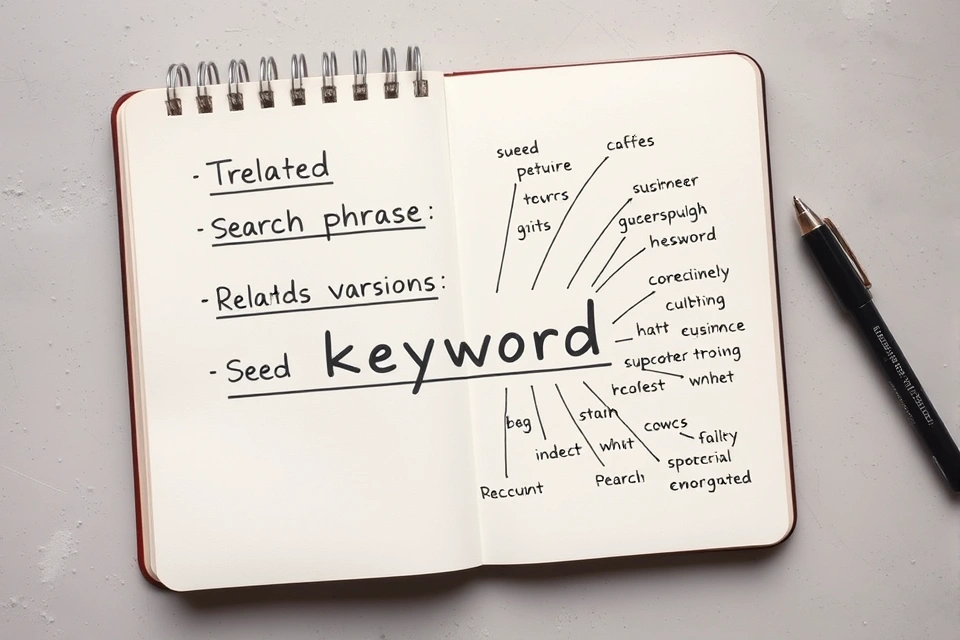
Pick a seed keyword describing the product or subject

A seed keyword is the starting phrase you type into a research tool — a plain description of the product, service or subject, not yet refined into anything you'd publish a page around. Everything else in the process expands outward from that single term. The steps, in order:
- Pick a seed keyword. Describe the product or subject in the words a customer would actually use, not internal jargon.
- Expand it with a keyword research tool. Google's own Keyword Planner generates related terms and forecasts from a seed phrase, as do free generators built around the same idea, such as Ahrefs' free keyword generator.
- Read the volume and competition data for each idea. Note which terms cluster around similar phrasing — these usually target the same underlying intent and don't need separate pages.
- Check what the search results actually serve for each surviving keyword. Confirm whether the intent is informational, transactional or something else before committing a page to it.
- Group the survivors into a keyword list mapped to pages. Each page gets one primary keyword and a small set of close variants; duplicate targets get merged rather than split across multiple pages.
This is the sequence that tool-focused guidance tends to assume rather than spell out — the tool only does step 2. Steps 1, 3, 4 and 5 are judgment calls the tool can't make for you, and skipping them is usually why a keyword list produces pages that don't perform.
Page ranks but attracts no conversions
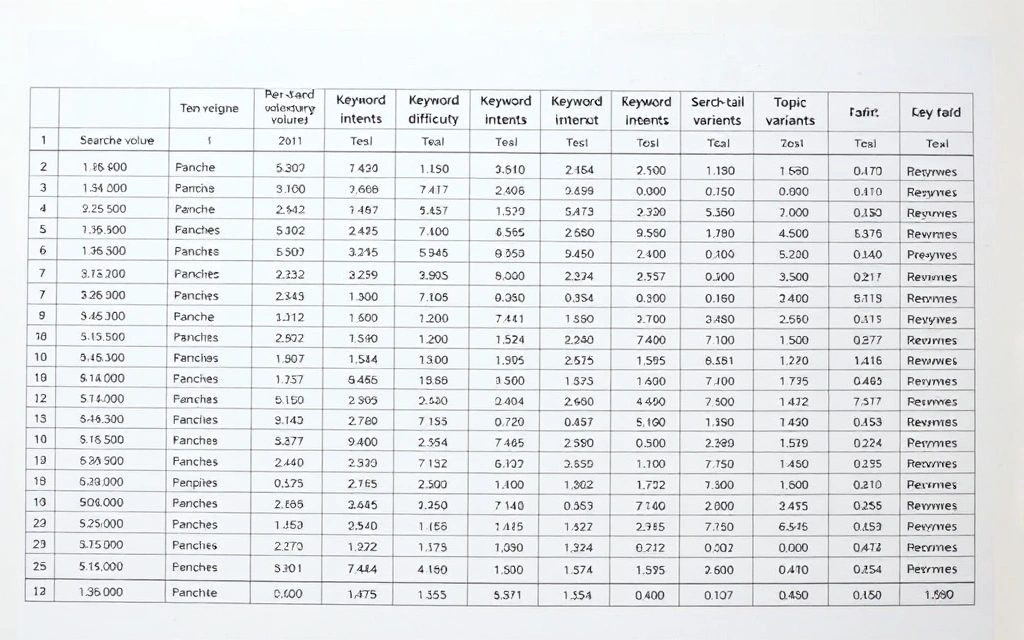
A page that places reasonably well but converts nobody usually has an intent problem, not a placement problem. Check what the search results actually favour for that keyword before assuming the content needs more optimisation.
If the results are dominated by product listings, comparison tools or video content and the published page is a long-form article, the format itself is mismatched to what searchers and the results reward for that term — no amount of on-page adjustment closes that gap. Similarly, a keyword that looks transactional on a keyword list ("best running shoes") may actually pull informational content (buying guides, review round-ups) once you check it directly, meaning a product page was the wrong bet from the start.
The distinction matters because the two problems have different fixes:
- A visibility problem is fixed with better content depth, internal links, or technical cleanup.
- An intent mismatch is fixed by changing the content format entirely — turning a product page into a comparison guide, or a blog post into a tool or calculator — because the underlying keyword expects a different kind of answer.
Re-targeting the keyword with the format already being rewarded is usually a faster fix than trying to out-do the mismatch with the same format done "better."
Keyword research
Keyword research is the process of identifying and evaluating the search terms an audience actually uses, then using that data to guide content and optimisation decisions. It is described this way across general references on the topic, including the overview on Wikipedia, which frames it as a foundational activity for both organic optimisation and paid search campaigns.
In practice it isn't a single lookup — it's an ongoing loop of generating candidate terms, checking their volume and competition, validating what the searcher actually wants, and feeding survivors into content plans. Each of the following sections covers one piece of that loop.
Long-tail keyword
A long-tail keyword is a longer, more specific search phrase that individually attracts a smaller number of searches than a broad head term. "Shoes" is a head term; "waterproof trail running shoes for wide feet" is long-tail.
The value of a long-tail phrase isn't its individual volume — it's that the searcher's intent is unambiguous, competition for that exact phrase is thinner, and a site with limited authority has a realistic chance of placing for it. A cluster of long-tail pages, each answering one specific variant of a topic, often produces more combined traffic and higher conversion rates than a single page built around the broad term that spawned them.
Keyword list
A keyword list is the filtered, organised output of keyword research — the set of terms a site has decided to build or optimise pages around, after volume, difficulty and intent have been checked. It is not the raw export from a research tool; that export is just candidate data.
Turning a raw export into a usable list means deduplicating near-identical phrases, grouping variants that share the same intent under one target page, and assigning exactly one primary keyword per page so pages don't compete against each other for the same query. A keyword list that skips this grouping step tends to produce multiple thin pages targeting near-duplicate terms, which fragments authority rather than building it.
Search volume
Search volume is a tool's estimate of how many times a keyword is searched per month, and it's the headline metric almost every research tool reports. It is an estimate, not a count — different tools model it differently, and the number shown is rarely identical across two providers checking the same term.
Volume also isn't the same thing as the clicks a published page will actually receive. A keyword showing several thousand monthly searches might send a new page only a fraction of that, because searchers get diverted into video panels, shopping carousels or other on-page content, or because only the top few positions capture the bulk of clicks on that term. Treat search volume as a ceiling estimate, not a traffic forecast, and weigh it alongside difficulty and intent rather than in isolation.
Ranking difficulty
Ranking difficulty is a measure of how hard it would be to place a new page for a given keyword, based on the strength of the content already established for it. A high-volume keyword with several long-established, authoritative pages already covering it is high-difficulty even if the topic itself is narrow; a lower-volume keyword with thin or outdated coverage is comparatively low-difficulty.
Most research tools report a difficulty score alongside volume, but the score is a proxy — it's usually built from signals like the backlink profile of existing coverage for that term, not a direct measure of what it would take a specific site to compete. The more reliable check is manual: look at what's currently published for the term and judge whether your site's existing authority and content depth are in the same range. If the gap is large, the keyword belongs on a "later" list, not a "build now" list.
Search intent
Search intent is what the person typing the query actually wants to find, and it's usually grouped into a handful of categories: informational (wants an answer), navigational (wants a specific site), commercial investigation (comparing options before buying), and transactional (ready to buy or act). Intent, not the literal wording of the keyword, determines what kind of page should be built.
The reliable way to check intent for a specific keyword is to look at what's currently being served for it — the format, structure and content type that dominate are the best indicator of what's considered the correct answer to that query, regardless of what the keyword phrase might suggest on its own.
Is Google keyword research free?
Google's own Keyword Planner is free to access but not free of requirements: it sits inside Google Ads and needs an active Google Ads account to open, as described on its own product page. You don't need to be running ads to view keyword ideas, but the depth of data you get depends on whether the account has active spend.
Accounts with little or no ad spend typically see search volume displayed as a broad range rather than a specific number, while accounts running active campaigns tend to see tighter, more precise figures. That distinction — free to use, but more precise once you're spending — is the part rarely stated plainly, and it's the main reason third-party tools exist alongside it: many, such as Ahrefs' free keyword generator, report a single estimated number per keyword without requiring any ad spend at all, drawing on their own independently built datasets.
What are the 9 types of keywords used in SEO?
Keywords are usually classified by two overlapping dimensions: what the searcher wants (intent) and how the phrase is structured (form). Combining both gives a working set of nine common categories:
- Informational — the searcher wants an answer or explanation, not a purchase
- Navigational — the searcher wants a specific site or page, often a brand name
- Transactional — the searcher is ready to buy, sign up or act
- Commercial investigation — the searcher is comparing options before a decision
- Long-tail — longer, highly specific phrases with lower individual volume
- Short-tail (head) keywords — one or two broad words with high volume and high competition
- Branded keywords — include a company or product name
- Non-branded (generic) keywords — describe a category or need without naming a brand
- Local keywords — include or imply a geographic qualifier, tied to a specific place
These categories overlap in practice — a keyword can be both long-tail and transactional, for instance — which is exactly why grouping by intent as well as form matters when building a keyword list: it stops a single page from trying to serve two incompatible intents at once.
What are the top 5 keyword research tools?
There's no single tool that covers volume estimation, difficulty scoring and intent checking equally well — the practical answer depends on budget and whether you need paid-search-grade data or a fast free estimate. The list below covers five commonly used options and what each is best suited for.
| Tool | Cost model | Best suited for |
|---|---|---|
| Google Keyword Planner | Free, requires a Google Ads account | Seed expansion and volume ranges tied to actual ad auction data |
| Ahrefs Keyword Generator | Free tier limited; fuller data on paid plans | Quick free idea generation, deeper difficulty data on paid tiers |
| Semrush's Keyword Magic Tool | Free tier limited; fuller data on paid plans | Large-scale keyword grouping and clustering |
| KeywordTool.io | Free tier limited; fuller data on paid plans | Fast long-tail and question-based idea generation from autocomplete data |
| Free tools compared in aggregate | Varies, mostly free-tier | Comparing what's achievable without a paid subscription, as summarised in guides such as Zapier's roundup of free keyword research tools |
A practical approach many beginner-focused guides converge on is to start with a free tool to generate the seed list, then move to a difficulty score or a direct check of existing coverage before committing budget to a paid subscription — the paid tools earn their cost once you need to compare difficulty across dozens of keywords at once, not for the first round of idea generation.
Pull that shortlist together, check what's currently published for each surviving term, and map what's left onto specific pages before writing a word of content — that ordering is what separates a keyword list that produces traffic from one that just produces pages.